Tag: lightroom tips

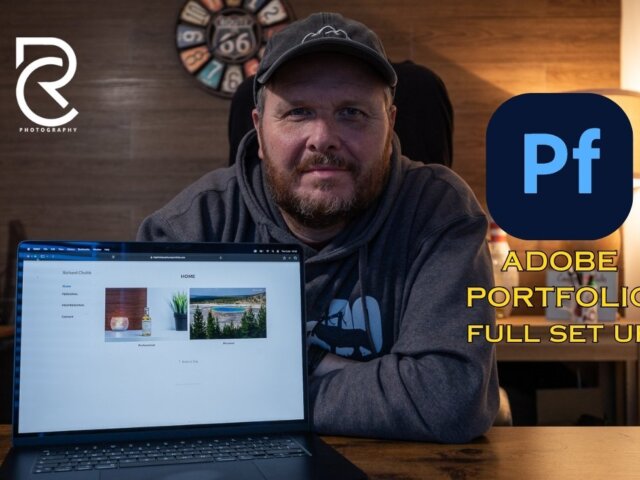
Adobe Portfolio – The Best Solution for Lightroom Users?
Most people using Lightroom want to display and promote their photos to the world and Adobe Portfolio is a great solution for Lightroom users. Perhaps you do not want to set up a whole website with WordPress. Or pay another £120 a year to host a website elsewhere. After all, you are already paying that…
How to save edited RAW photos as JPG in Lightroom Classic
In this blog post, I will show you how to save your edited RAW files straight back into your catalogue as edited JPGs without leaving Lightroom Classic! Below there is the option of following along in this article, or if you prefer, why not watch the video? The Video Here is the video explaining it…
Easily Export Photos from Lightroom Classic and Create Export Presets
Do you often need to Export your photos from Lightroom Classic? Perhaps you need to repeatedly Export different photos but for the same reason. Maybe to add to a blog, for social media, or maybe to deliver images to a client. Or all three? Changing the Export Settings can be time-consuming but there are ways…
Lightroom Adaptive Presets – How to Power Up Your Portraits!
Lightroom Adaptive Presets were made available in the October 2022 release of Lightroom Classic. It simply gives you the ability to select certain parts of your photograph and edit that part only. This can be particularly useful for Portraits. As you may know, Lightroom Classic does have its own Presets for certain facial features, but…
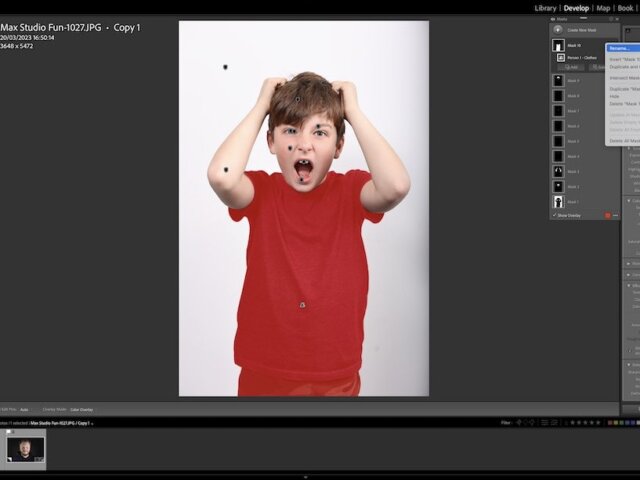
How to get your Background White in Lightroom – 6 Clicks
If you want your Background to be White in Lightroom, then there is a super easy way to do it, and it only takes 6 CLICKS!! First of all, you should strive to get this spot on in camera, so you don’t have to do what I am about to show you. But, if you…

Lightroom’s Radial Filter – My Favourite Feature
It has many amazing features, but Lightroom’s Radial Filter is probably one of my favourites. On this website, I love talking about editing and photography, so it is great to do a post on one of my favourite editing tools. It has such an impact on the photo, and it is so simple to use.…
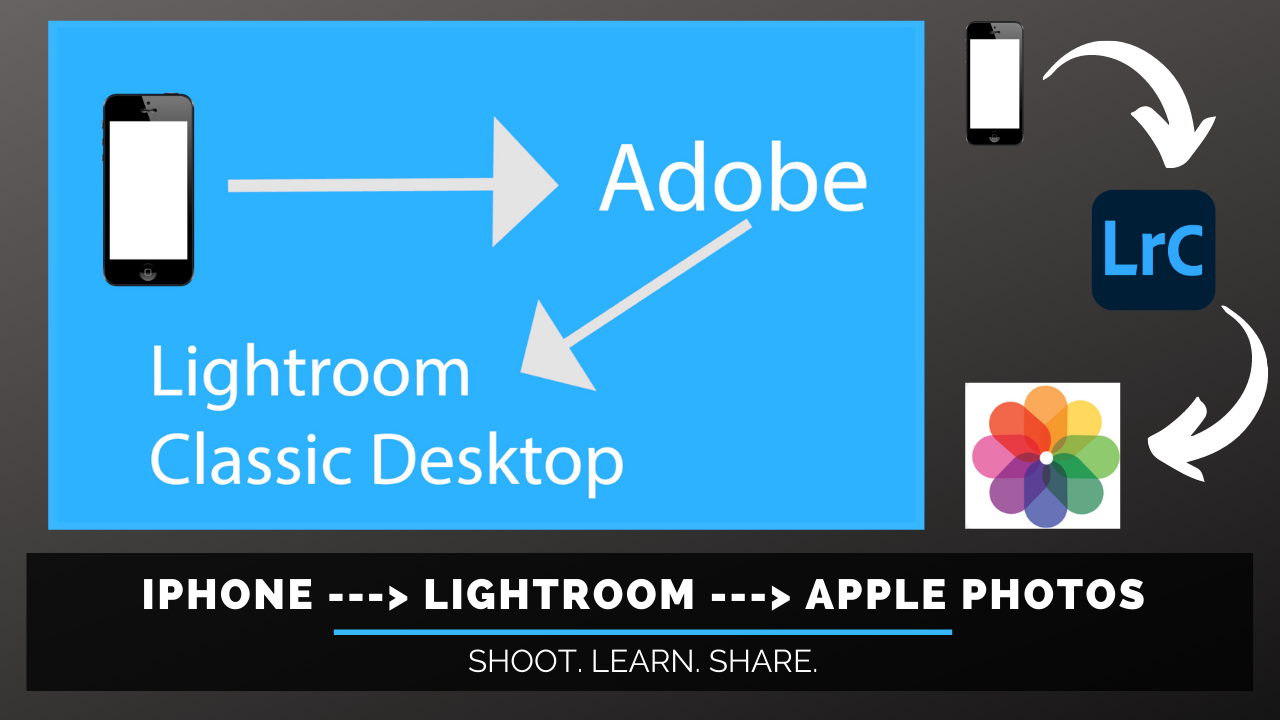
iPhone snaps to the Photos app via Lightroom
Did you know there is a way of getting you iPhone snaps to the Photos app via Lightroom? Some time ago I did a video. All about how to get your edited photos from Lightroom, into the Apple Photos app easily. After this, I was inundated with a question. This was if you can take…
Organising and Managing your Photos in Lightroom Classic
Lightroom has become an essential part of many photographers workflow, including mine. Therefore, organising and managing your photos in Lightroom is key. Making sure you can easily catalogue, search (and find!) the photos you ant, when you want them is important. Up until recently, my Lightroom organisation was a little, shall we say, haphazard. I…
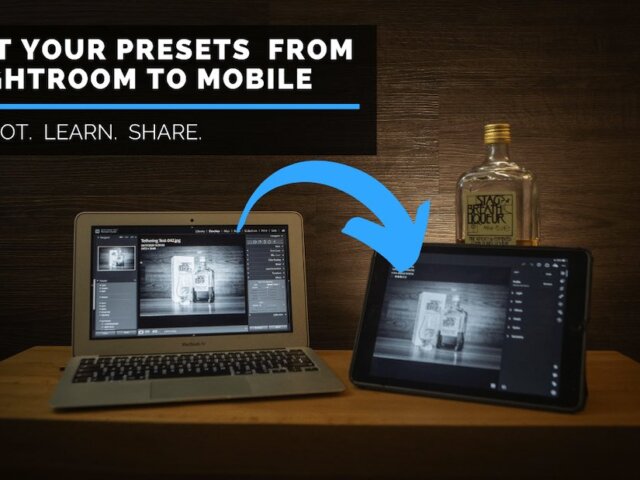
Getting presets from Lightroom Classic to Mobile
Here is a quick tutorial all about getting presets from Lightroom Classic to your Mobile device without too much trouble. This method also avoids having to use or download Lightroom Creative Cloud. As always there is a video tutorial too, so if you would prefer, feel free to watch this. There is of course, lots…
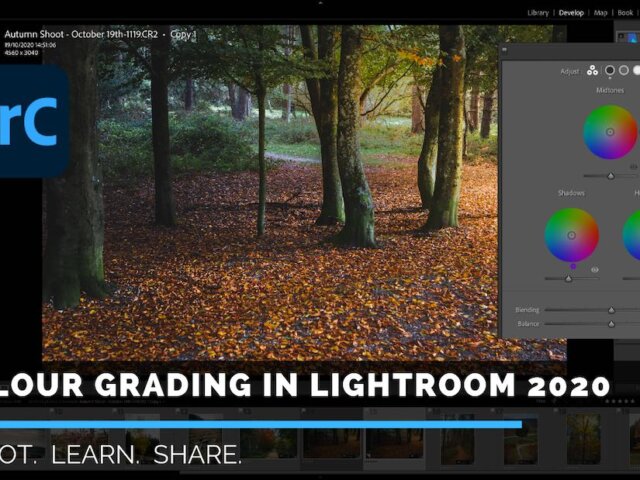
How to use Lightrooms new colour grading tool
Lightroom is the go-to editing tool for most of today’s professional photographers, so I thought I would do a quick tutorial on how to use Lightrooms new colour grading tool. You may find the following video useful if you would like to follow along with the whole editing process. Useful if you’re using the Colour…
How to use Lightroom with the Apple Photos app
If you are a Lightroom user, like me. And an Apple user, like me, then perhaps you are looking for a solution to how to use Lightroom with the Apple Photos app? No? Oh, well. In that case, why not go and check out these Lightroom tips. One all about Rating Your Photos or this…
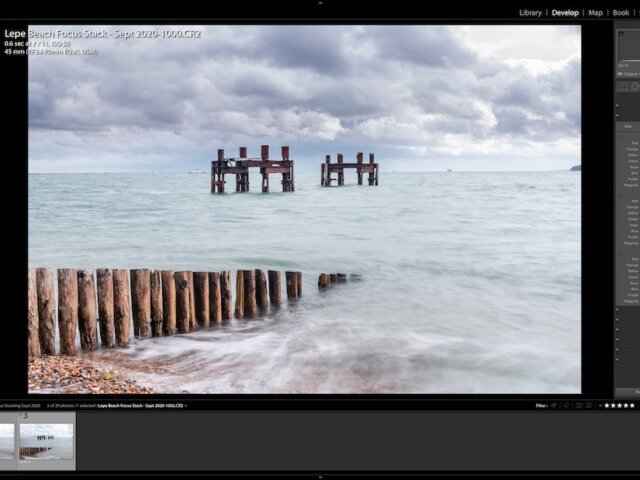
How to Focus Stack in Lightroom and Photoshop
Welcome to the latest tutorial, where I am going to quickly tell you How to Focus Stack in Lightroom and Photoshop. Firstly, I am sorry to disappoint but you cannot Focus Stack using multiple images in Lightroom alone. It just does not have the capability. However, if you have a Lightroom and Photoshop subscription with…
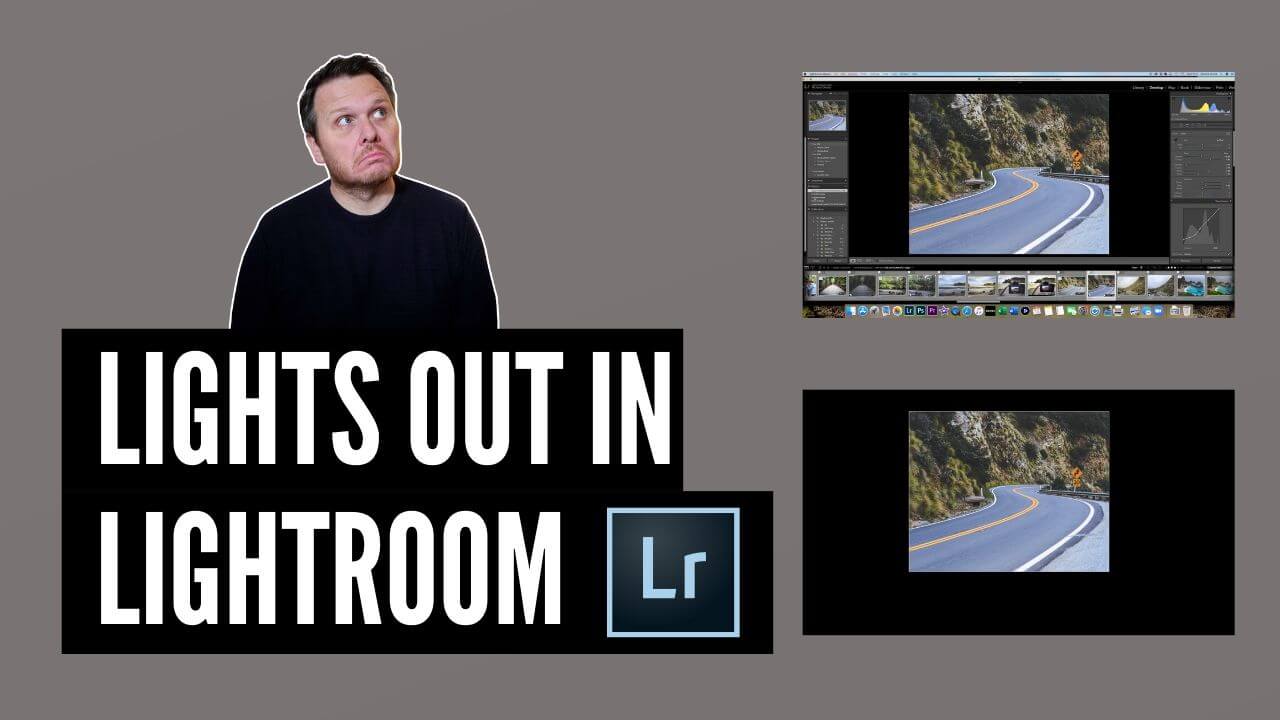
Lights Out in Lightroom Option
The Lights Out in Lightroom option is a great way to isolate your photo. Use it to just sit back, and see what an amazing job you have done editing it. As with all my tips and tricks on this site, there is a YouTube version too. If you’d prefer to follow along to that,…
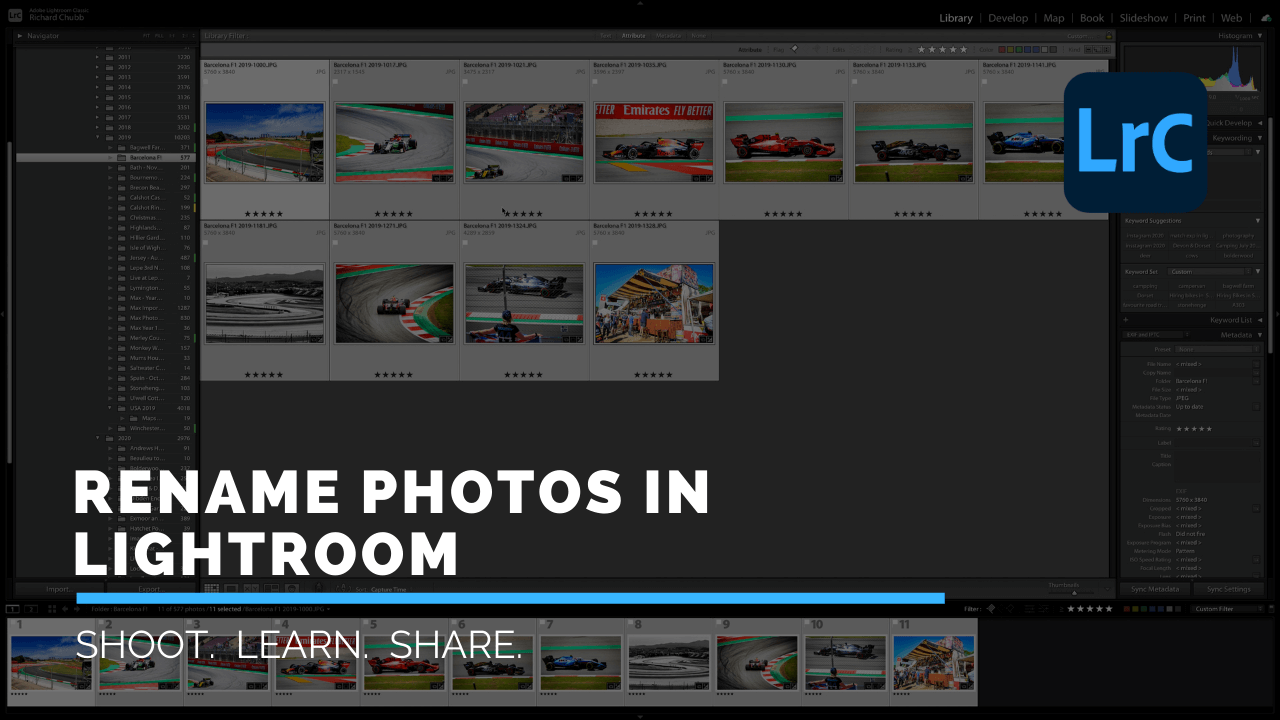
How to Change Names of photos in Lightroom – FAST & EASY
Have you ever wondered how to change names of photos in Lightroom, easily and quickly? Well, wonder no more, as here is a simple tutorial on how to do just that. As with all my tips and tricks on this site, there is a YouTube version too. If you’d prefer to follow along to that,…
Fixing Highlights and Shadows in Lightroom
Lightroom is an amazing friend for Photographers. In this tutorial, I am going to quickly explain a quick way of Fixing Highlights and Shadows in Lightroom. Fancy a video walk through, and seeing me play a guitar….badly? Check out the video. If you’d rather follow with good old fashioned word and pictures…then here you go.…
Matching Exposure for Multiple images in Lightroom
Are you looking for a way of Matching Exposure for Multiple images in Lightroom? Perhaps you were out on a shoot, and that big ball of fire in the sky decided to pop out from behind the cloud it has been hiding behind. All of a sudden your perfectly exposed photos are too bright. If…
Creating Custom Presets on Lightroom Mobile
For an age I wondered about Creating Custom Presets in Lightroom Mobile. In one of the more recent releases, Adobe thankfully gave us this function. Hooray!! As we move more towards mobile, Lightroom Mobile is a great tool for editing your images on the go. The Custom Preset Option is the perfect addition for speeding…